Your one-stop shop for Canadian test prep.
Citizenship. Driving. Food safety. Security. Drones. Real estate. Choose your goal and turn a few spare minutes into useful practice.
MapleReady brings illustrated lessons, swipeable flashcards, quick questions and practice exams together on your iPhone. Start with your province or territory, then choose one or several study paths.
Free to download · iPhone · Includes ads · No account required
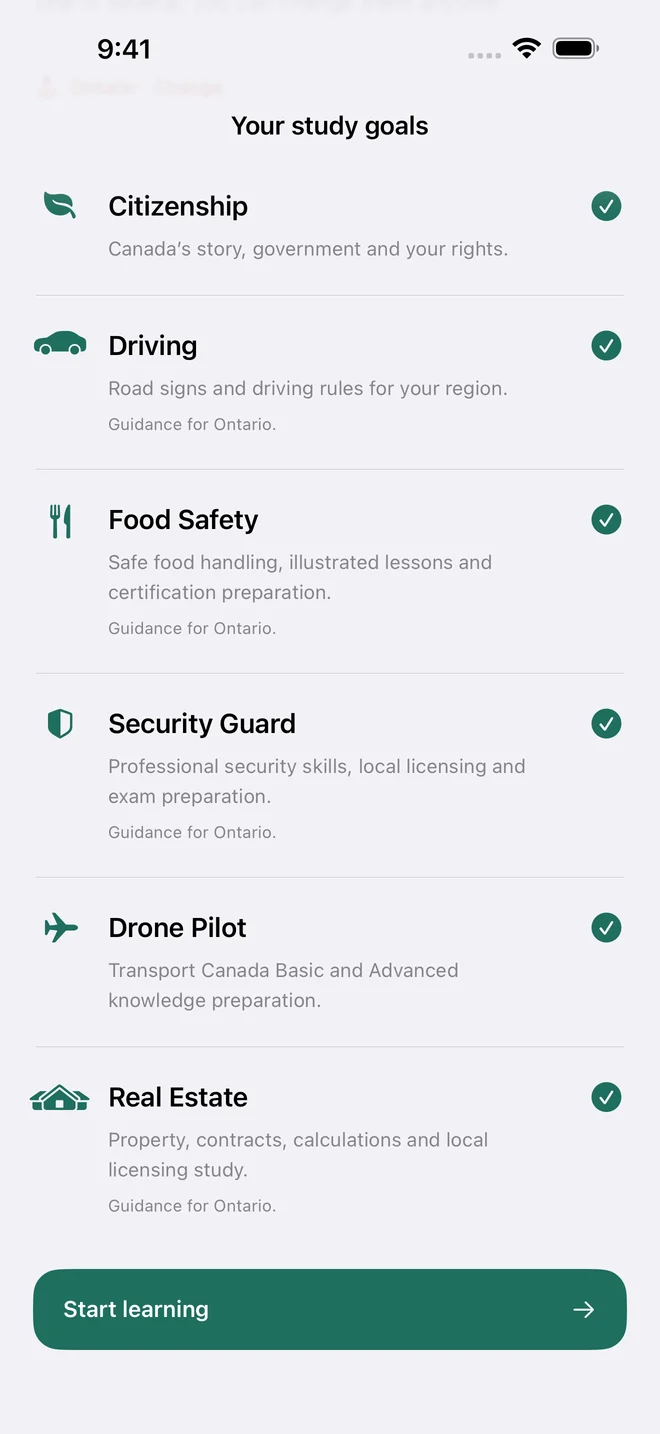
What are you working toward?
Pick the material that fits your next step. Each goal keeps its own progress, and you can switch whenever you are ready.
- Citizenship
Explore Canada’s history, government, geography, rights and responsibilities. Turn your reading into recall with flashcards and citizenship practice tests.
- Driving
Learn road signs, safe driving decisions and the rules for your region. Ontario G1 is one pathway; choose your own province or territory to get relevant driving study.
- Food Safety
Build food-handling knowledge through lessons on contamination, hygiene, allergens, storage and kitchen controls. Practise recalling the reason behind each procedure.
- Security Guard
Study observation, reporting, communication and professional responsibilities. Practise decisions and learn how your selected region’s licensing pathway fits together.
- Drone Pilot
Study Canadian drone knowledge for Basic and Advanced pathways. Connect air law, weather, airspace, aircraft systems and human factors before you practise exam questions.
- Real Estate
Build your understanding of property, transactions and professional responsibilities. Read the explanations, practise calculations and study the local material for your region.
Read it. Recall it. Practise it.
Learn the explanation first, then make the knowledge stick. These are actual screens from MapleReady.
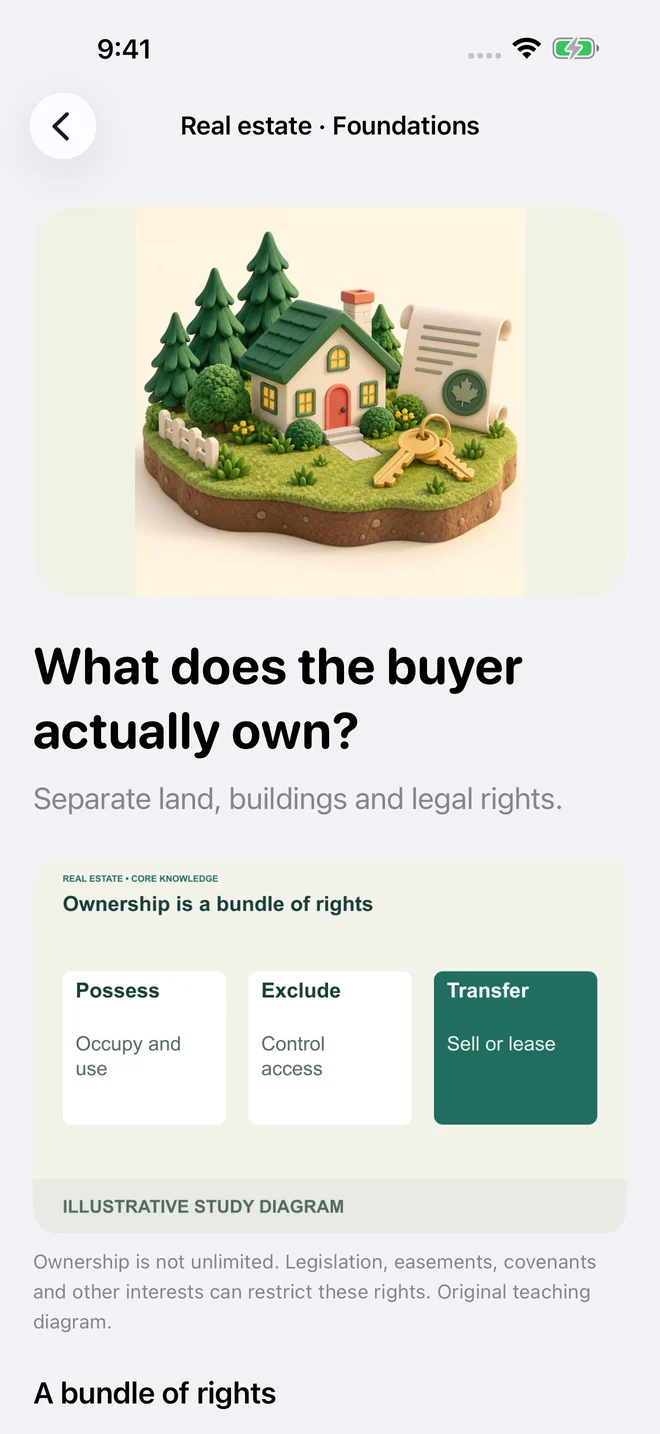
Illustrated reading
Work through clear explanations and topic checks, with relevant images that help the idea make sense.
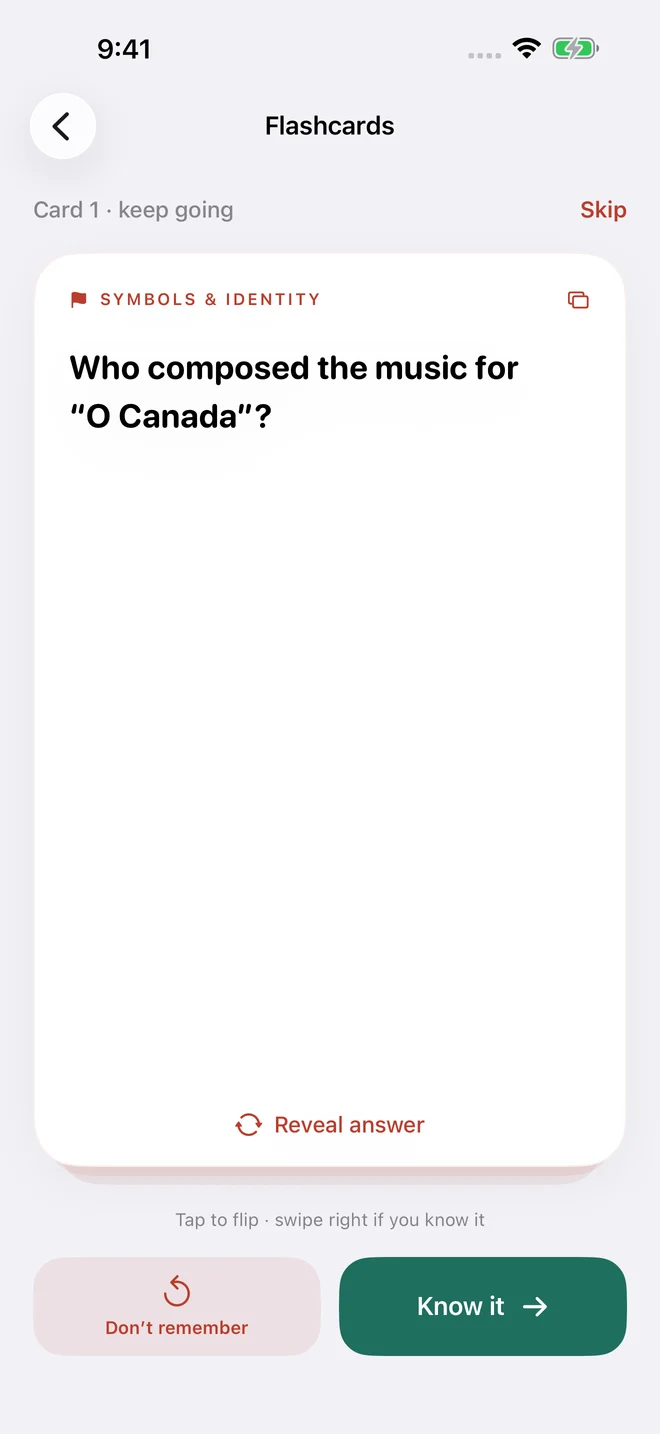
Fast flashcards
Skip what you know, reveal an answer when you need it, and mark a card to revisit. Keep your own pace.
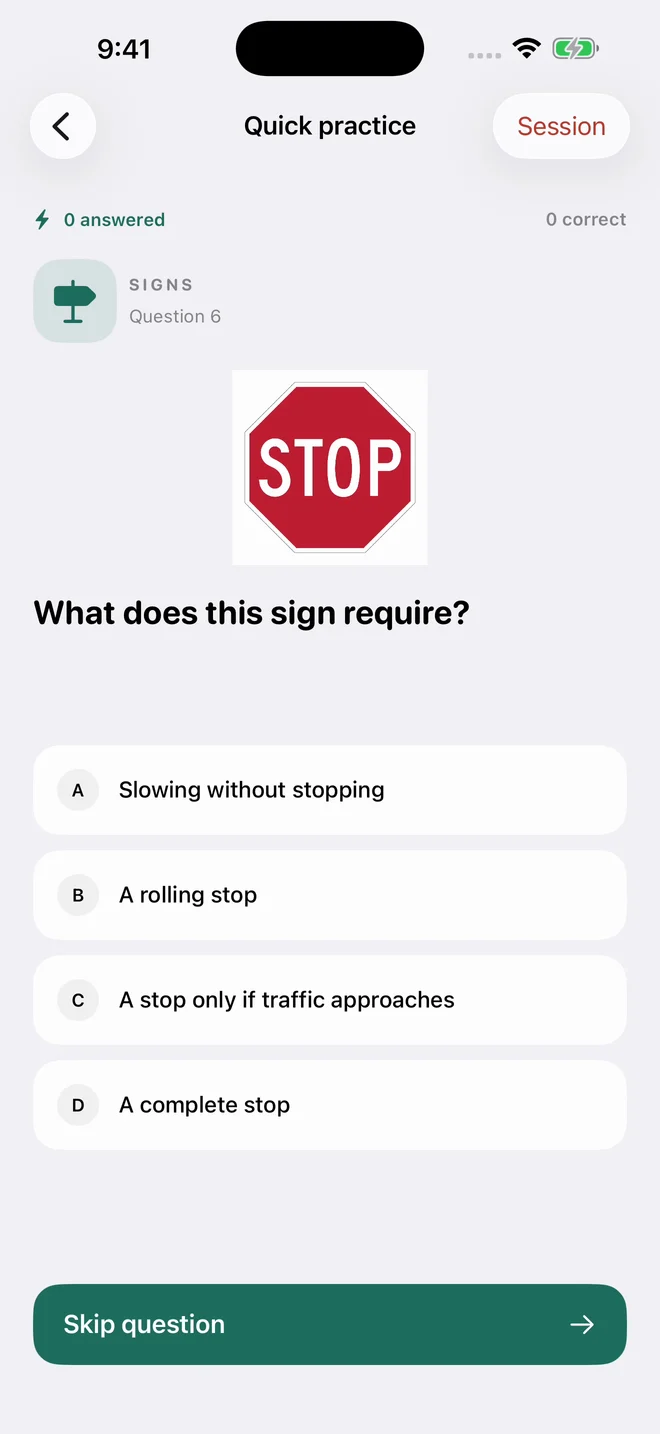
Questions and practice exams
Tap through quick practice or try an exam session. Read the explanations and return to the topics that need another look.
See MapleReady in action.
Explore the study choices, answer a question, flip a flashcard and open an illustrated lesson.
The video includes sound. Use the player controls to play, pause or mute it.
Start with your region.
Citizenship, driving, food safety, security and drone study are available across all provinces and territories. Real estate study covers nine provinces and all three territories; Quebec real estate material is not supported. The local guidance follows your selection.
MapleReady is an independent study aid. Practice questions are original learning material, not official exam questions. Always use the relevant official guide and complete required training, assessments and licensing steps.
Before you start
What Canadian tests can I study with MapleReady?
MapleReady supports six study paths: citizenship, driving knowledge, food safety, security guard, drone pilot and real estate. Select your province or territory, then choose one or several available goals.
Is MapleReady free?
MapleReady is free to download for iPhone and includes advertising. Lessons, flashcards and practice are available without an account.
Can I study offline?
Yes. The study content works offline and progress is saved on your device. Downloads, official-source links and advertising services require a connection.
Is MapleReady an official exam or certification provider?
No. It is an independent study aid by Kasabeh Technology. Use official guides and complete any approved education, exams and licensing requirements. It does not award certificates or guarantee a pass.
Made by Kasabeh Technology.
MapleReady is built by Kasabeh Technology in Toronto, Canada. Study content works offline, and your progress stays on your device. Advertising can appear at study breaks; your answers and recall scores are not sent to advertising services.
For app support or a content correction, email [email protected]. Include your app version, region and the lesson or question involved. Read our privacy policy for advertising and consent details.